
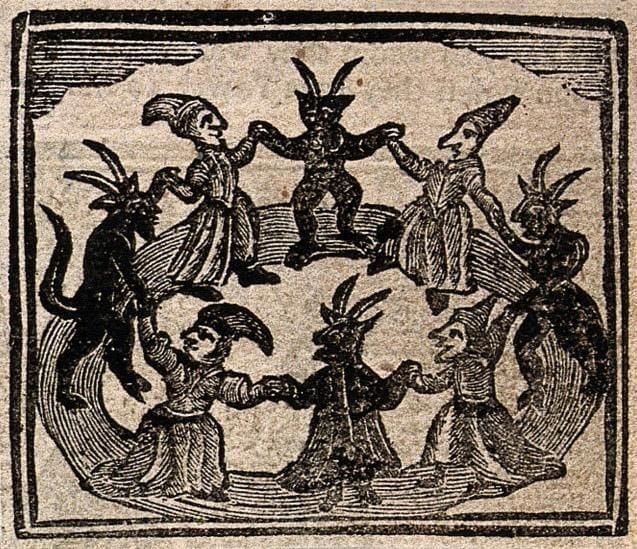
We never want you to feel stuck! Free will and self-determination are sacred to us. Witches send you good vibes when you arrive, when you leave, and celebrate when you return. Whatever you need to do: be at peace, baby. Do your thing.
All memberships are now managed right here inside the coven. ✨
Managing your membership
To update your payment method, change tiers, or cancel, head to your billing settings:
- Log in to the coven at coven.missingwitches.com
- Go to your billing settings
From there you can:
- Update your payment method
- Change membership tiers
- Cancel your subscription
If you cancel, your membership will remain active until the end of your current billing period, and you won't be charged again.
Want to talk first?
If you're thinking about leaving and want to share why, or just send feedback, we'd truly love to hear from you.
Email us anytime: missingwitches@gmail.com